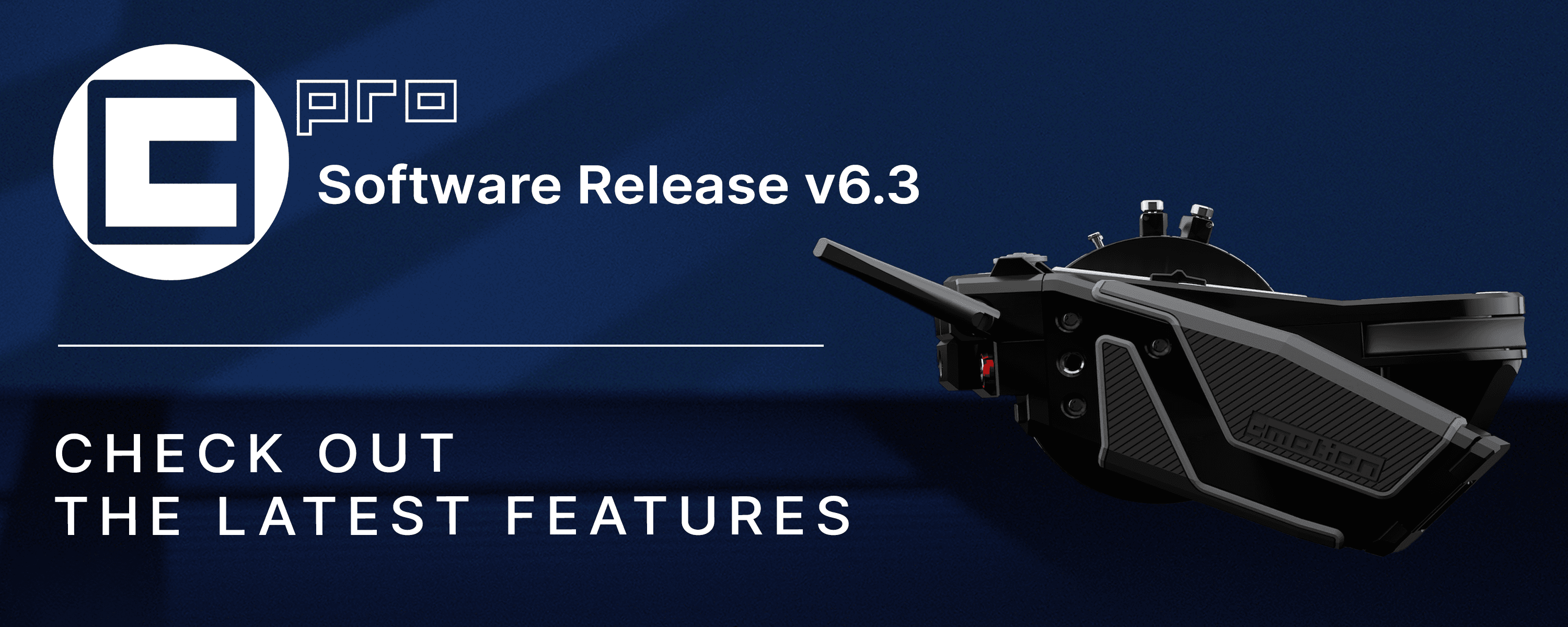
We are excited to announce the latest cPRO features including the introduction of BLACKMAGIC camera control, new control features for the ALEXA 35 and advanced camera control for the SONY VENICE / VENICE 2 through cmotion cGate.

We have also enhanced cPRO's user button workflow including new functionality with Focusbug's popular Cine RT and implemented new control features for Cinefade Vari360. 

Check out the cGate NEWS PAGE for an extensive list of camera control features now available for SONY VENICE / VENICE 2.


Camera Control

  • ARRI Alexa 35

    • Diopter On/Off (synchronizes the diopter metadata)

    • ES (Enhanced Sensitivity) settings accessible

  • Blackmagic

    • URSA Cine (via EXT port or cmotion cGate)

    • Studio / Cinema / Pocket / Micro / PYXIS (via cmotion cGate)

    • Trigger Run/Stop with Tally feedback

    • Set FPS fixed / variable (dynamic list – depending on camera model)

    • Set Shutter Speed / Angle (dynamic list – depending on camera model)

    • Set Custom Shutter Speed / Angle

    • Set Exposure Index (dynamic list – depending on camera model)

    • Set ND (dynamic list – for URSA / Studio only)

    • Set WB / Tint (dynamic list – depending on camera model)

    • Set Custom WB / Tint

    • Remaining Rec Time (Status Information)


CINEFADE

  • Gyro Mode selectable to compensate camera rotation

  • Rotapola endless rotation via Thumbwheel and Joystick

  • Dynamic Limits added (currently available with cPRO motor as Iris only)

  • Automatically adjusts the Cinefade range for

    • User button “Filter increase” / “Filter decrease”

    • External iris control via RCP


USER BUTTONS

  • “Marker” for Focus / Iris / Zoom / Aux, now sets and deletes Marker - no Marker Recall

  • “Marker Recall” for Focus / Iris / Zoom / Aux added (separate from Marker function)

  • “Lens View” added, toggles the size of the Focus / Iris / Zoom scale (small / mid / large)

  • “Camera Menu” added (short cut to the camera functions list)

  • “Home / Back” added (allows you to enter / leave the settings menu for one handed control in combination with the new joystick navigation)

  • “Diopter on/off” added (synchronizes the diopter metadata on Alexa 35)

  • Filter increase / decrease in Cinefade Mode with smaller increments (press and hold for dynamic control)


OTHERS

  • Assignable Field of View for the Focusbug Cine RT System

  • Navigation within the settings menu via Joystick + Thumbwheel, Joystick + Touch Screen or Touch Screen only

  • Virtual Zoom and Virtual Iris metadata feed

    • to RED cameras

    • to Sony Venice via Hi-12p LENS Port

    • for synchronization with other hand units in the network


DOWNLOAD


For any questions, please contact us at sales@cmotion.eu or visit cmotion.eu

We are excited to announce the latest cPRO features including the introduction of BLACKMAGIC camera control, new control features for the ALEXA 35 and advanced camera control for the SONY VENICE / VENICE 2 through cmotion cGate.

We have also enhanced cPRO's user button workflow including new functionality with Focusbug's popular Cine RT and implemented new control features for Cinefade Vari360. 

Check out the cGate NEWS PAGE for an extensive list of camera control features now available for SONY VENICE / VENICE 2.


Camera Control

  • ARRI Alexa 35

    • Diopter On/Off (synchronizes the diopter metadata)

    • ES (Enhanced Sensitivity) settings accessible

  • Blackmagic

    • URSA Cine (via EXT port or cmotion cGate)

    • Studio / Cinema / Pocket / Micro / PYXIS (via cmotion cGate)

    • Trigger Run/Stop with Tally feedback

    • Set FPS fixed / variable (dynamic list – depending on camera model)

    • Set Shutter Speed / Angle (dynamic list – depending on camera model)

    • Set Custom Shutter Speed / Angle

    • Set Exposure Index (dynamic list – depending on camera model)

    • Set ND (dynamic list – for URSA / Studio only)

    • Set WB / Tint (dynamic list – depending on camera model)

    • Set Custom WB / Tint

    • Remaining Rec Time (Status Information)


CINEFADE

  • Gyro Mode selectable to compensate camera rotation

  • Rotapola endless rotation via Thumbwheel and Joystick

  • Dynamic Limits added (currently available with cPRO motor as Iris only)

  • Automatically adjusts the Cinefade range for

    • User button “Filter increase” / “Filter decrease”

    • External iris control via RCP


USER BUTTONS

  • “Marker” for Focus / Iris / Zoom / Aux, now sets and deletes Marker - no Marker Recall

  • “Marker Recall” for Focus / Iris / Zoom / Aux added (separate from Marker function)

  • “Lens View” added, toggles the size of the Focus / Iris / Zoom scale (small / mid / large)

  • “Camera Menu” added (short cut to the camera functions list)

  • “Home / Back” added (allows you to enter / leave the settings menu for one handed control in combination with the new joystick navigation)

  • “Diopter on/off” added (synchronizes the diopter metadata on Alexa 35)

  • Filter increase / decrease in Cinefade Mode with smaller increments (press and hold for dynamic control)


OTHERS

  • Assignable Field of View for the Focusbug Cine RT System

  • Navigation within the settings menu via Joystick + Thumbwheel, Joystick + Touch Screen or Touch Screen only

  • Virtual Zoom and Virtual Iris metadata feed

    • to RED cameras

    • to Sony Venice via Hi-12p LENS Port

    • for synchronization with other hand units in the network


DOWNLOAD


For any questions, please contact us at sales@cmotion.eu or visit cmotion.eu

We are excited to announce the latest cPRO features including the introduction of BLACKMAGIC camera control, new control features for the ALEXA 35 and advanced camera control for the SONY VENICE / VENICE 2 through cmotion cGate.

We have also enhanced cPRO's user button workflow including new functionality with Focusbug's popular Cine RT and implemented new control features for Cinefade Vari360. 

Check out the cGate NEWS PAGE for an extensive list of camera control features now available for SONY VENICE / VENICE 2.


Camera Control

  • ARRI Alexa 35

    • Diopter On/Off (synchronizes the diopter metadata)

    • ES (Enhanced Sensitivity) settings accessible

  • Blackmagic

    • URSA Cine (via EXT port or cmotion cGate)

    • Studio / Cinema / Pocket / Micro / PYXIS (via cmotion cGate)

    • Trigger Run/Stop with Tally feedback

    • Set FPS fixed / variable (dynamic list – depending on camera model)

    • Set Shutter Speed / Angle (dynamic list – depending on camera model)

    • Set Custom Shutter Speed / Angle

    • Set Exposure Index (dynamic list – depending on camera model)

    • Set ND (dynamic list – for URSA / Studio only)

    • Set WB / Tint (dynamic list – depending on camera model)

    • Set Custom WB / Tint

    • Remaining Rec Time (Status Information)


CINEFADE

  • Gyro Mode selectable to compensate camera rotation

  • Rotapola endless rotation via Thumbwheel and Joystick

  • Dynamic Limits added (currently available with cPRO motor as Iris only)

  • Automatically adjusts the Cinefade range for

    • User button “Filter increase” / “Filter decrease”

    • External iris control via RCP


USER BUTTONS

  • “Marker” for Focus / Iris / Zoom / Aux, now sets and deletes Marker - no Marker Recall

  • “Marker Recall” for Focus / Iris / Zoom / Aux added (separate from Marker function)

  • “Lens View” added, toggles the size of the Focus / Iris / Zoom scale (small / mid / large)

  • “Camera Menu” added (short cut to the camera functions list)

  • “Home / Back” added (allows you to enter / leave the settings menu for one handed control in combination with the new joystick navigation)

  • “Diopter on/off” added (synchronizes the diopter metadata on Alexa 35)

  • Filter increase / decrease in Cinefade Mode with smaller increments (press and hold for dynamic control)


OTHERS

  • Assignable Field of View for the Focusbug Cine RT System

  • Navigation within the settings menu via Joystick + Thumbwheel, Joystick + Touch Screen or Touch Screen only

  • Virtual Zoom and Virtual Iris metadata feed

    • to RED cameras

    • to Sony Venice via Hi-12p LENS Port

    • for synchronization with other hand units in the network


DOWNLOAD


For any questions, please contact us at sales@cmotion.eu or visit cmotion.eu